
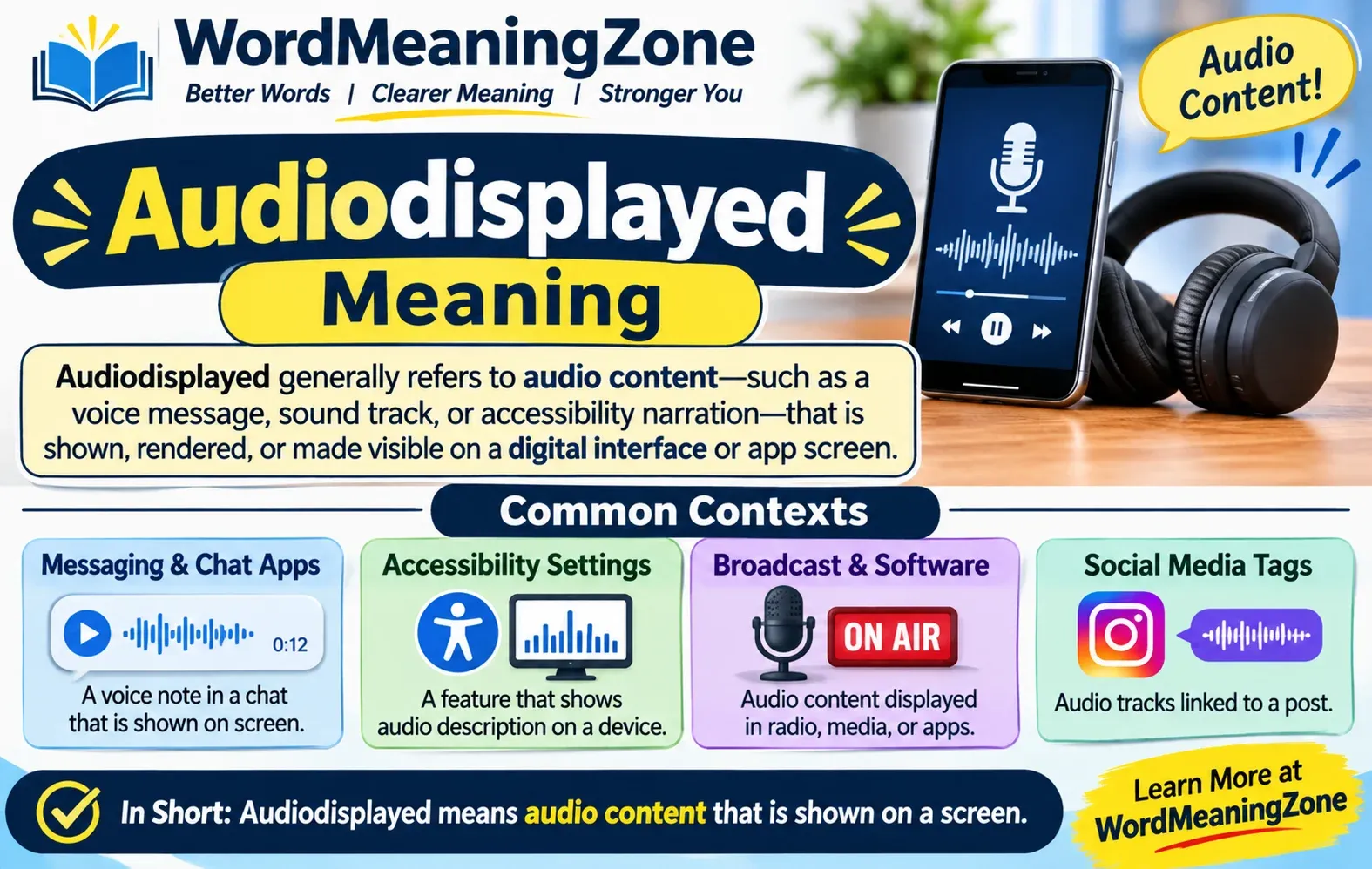
Audiodisplayed Meaning: 4 Easy Facts + Common Mistakes
Audiodisplayed is not a standard English word. When you see <<audiodisplayed>> in a chat or transcript, it most likely stands in for an audio item, such as a voice message. It does not prove that anyone listened to it.
Last checked: November 16, 2026. No official company document I found defines this word, so this guide separates what is confirmed from what is likely.
| Question | Short answer |
|---|---|
| Is it a real dictionary word? | No. It joins “audio” and “displayed”. |
| Most likely meaning | A text label for an audio item |
| Does it mean someone heard the audio? | No |
| Is it slang? | No evidence it is |
| Is the meaning officially confirmed? | No |
What Does Audiodisplayed Mean?
The word is “audio” plus “displayed” with the space removed. Put together, it points to audio being shown or represented on a screen.
Software often removes spaces from labels. That is why you may also see AudioDisplayed, audio_displayed or audio-displayed. These are spelling variants of the same thing, not different words.
| Part | Meaning |
|---|---|
| Audio | Sound, voice or a recording |
| Displayed | Shown or presented |
| Audiodisplayed | Audio that was shown or represented by a system |
What Does <<audiodisplayed>> Mean in a Transcript or Chat?
The double angle brackets matter. People do not usually type a word that way. It looks like a placeholder or tag that a system or tool inserted.
A placeholder marks where something happened without including the thing itself. A text file cannot hold sound, so a tool may drop a label where a voice message was.
Here is how it would look in a pasted conversation:
Alex: Listen to this.
<<audiodisplayed>>
Sam: Thanks for the voice note.| What you see | What it probably means |
|---|---|
| between messages | An audio item was here |
| Label in a copied chat | A tool replaced the audio with text |
| Label typed by a person | Unclear. Ask them what they meant |
Important: the label does not contain the words that were spoken. It only marks the spot.
Is It a WhatsApp Label? (What Is and Isn’t Verified)
Some pages say <<audiodisplayed>> appears in exported WhatsApp chats. Here is what I could check:
- One source, the VoxScriber transcription guide, says it is a placeholder, not an error, in exported WhatsApp chats and some notification previews. Other pages repeat this, for example audiodisplayed.com.
- Other export guides describe a different label. WhatsApp’s text export uses
<Media omitted>for voice notes, photos and other attachments. See the ChatToPDF export guide and the WhatSoup export tool notes. - I did not find
<<audiodisplayed>>in any WhatsApp help page.
| Claim | Status |
|---|---|
WhatsApp exports show <Media omitted> for voice notes |
Supported by several export guides |
WhatsApp exports show <<audiodisplayed>> |
Only one source found, not confirmed |
| It appears in notification previews | Not confirmed |
| It means the same on every app | Not supported |
What this means for you: if your label looks exactly like <<audiodisplayed>>, it may have been added by a tool that processed the text, not by WhatsApp itself. Check where the text came from.
Does Audiodisplayed Mean Someone Listened?
No. “Displayed” and “played” are different events. Meta’s own WhatsApp Business documentation treats playback as a separate status. It says voice messages get a “played” status after a user plays them (Meta developer docs).
| Term | What it tells you |
|---|---|
| Audiodisplayed | An audio item was shown or marked |
| Played | The audio was played |
| Seen or read | A message was viewed |
| Transcript | Spoken words written as text |
If you want to know whether someone heard your message, look at the app’s own play or read indicators, not this label.
Audiodisplayed vs. Audio Description
A few pages link this word to audio description. That is a real feature, but I found no source that uses “audiodisplayed” for it.
The W3C defines audio description as narration that explains important visual details, such as actions and on-screen text, when they are not clear from the main audio. See W3C WCAG 1.2.5.
| Audiodisplayed | Audio description | |
|---|---|---|
| Real, documented feature | Not documented | Yes (W3C) |
| Where | Chats, transcripts (likely) | Videos and movies |
| Purpose | Marks an audio item | Describes visuals for blind or low-vision viewers |
If you see this word on a TV or streaming settings screen, check the Accessibility or Audio menu and look for “Audio Description” or “Descriptive Audio”.
Audiodisplayed Meaning in an Interface or Software
If you see it as audiodisplayed=true or AudioDisplayed, it looks like a software field or status. I found no public documentation for it, so I can’t say what it controls.
| Form | What to do |
|---|---|
audiodisplayed=true in a log |
Check that app’s or developer’s docs |
AudioDisplayed in code |
Search the project’s code for where it is set |
| Label in a settings menu | Check Accessibility and Audio settings |
How to Find Out What Yours Means
Why these steps matter: the same word can mean different things depending on the source.
- Check where it came from. A chat export, a copied message, a transcription tool and a settings screen are different cases.
- Look for a nearby voice message. A label sitting between two messages probably marks an audio item.
- Look for the original audio. Check the app, or the folder if you exported with media. The label does not replace it.
- Check the tool’s help page if a transcription or chat tool made the text.
- Ask the sender if a person typed it. “Do you mean the voice message?” works well.
Can You Turn the Label Into Words?
No. The label holds no speech. If the original audio file exists, a transcription tool can turn that recording into text. Transcription converts spoken audio into written text. A placeholder only says audio was there.
| Starting point | Result |
|---|---|
| Original audio file | Can be transcribed |
<<audiodisplayed>> text only |
Nothing to transcribe |
FAQs
Is audiodisplayed a virus or a sign I was hacked?
I found no source linking it to malware or hacking. It looks like an ordinary label. As with any message, don’t open unexpected links or files from unknown senders.
Should I delete it from my transcript?
You can remove it from your own copy, but first make sure you have the original audio saved. Deleting the label does not bring the audio back.
Key Takeaways
- Audiodisplayed is a joined form of “audio displayed”, not a dictionary word.
<<audiodisplayed>>most likely marks an audio item in a chat or transcript.- It does not show that anyone listened.
- Its WhatsApp link is claimed by a few pages but I could not confirm it.
